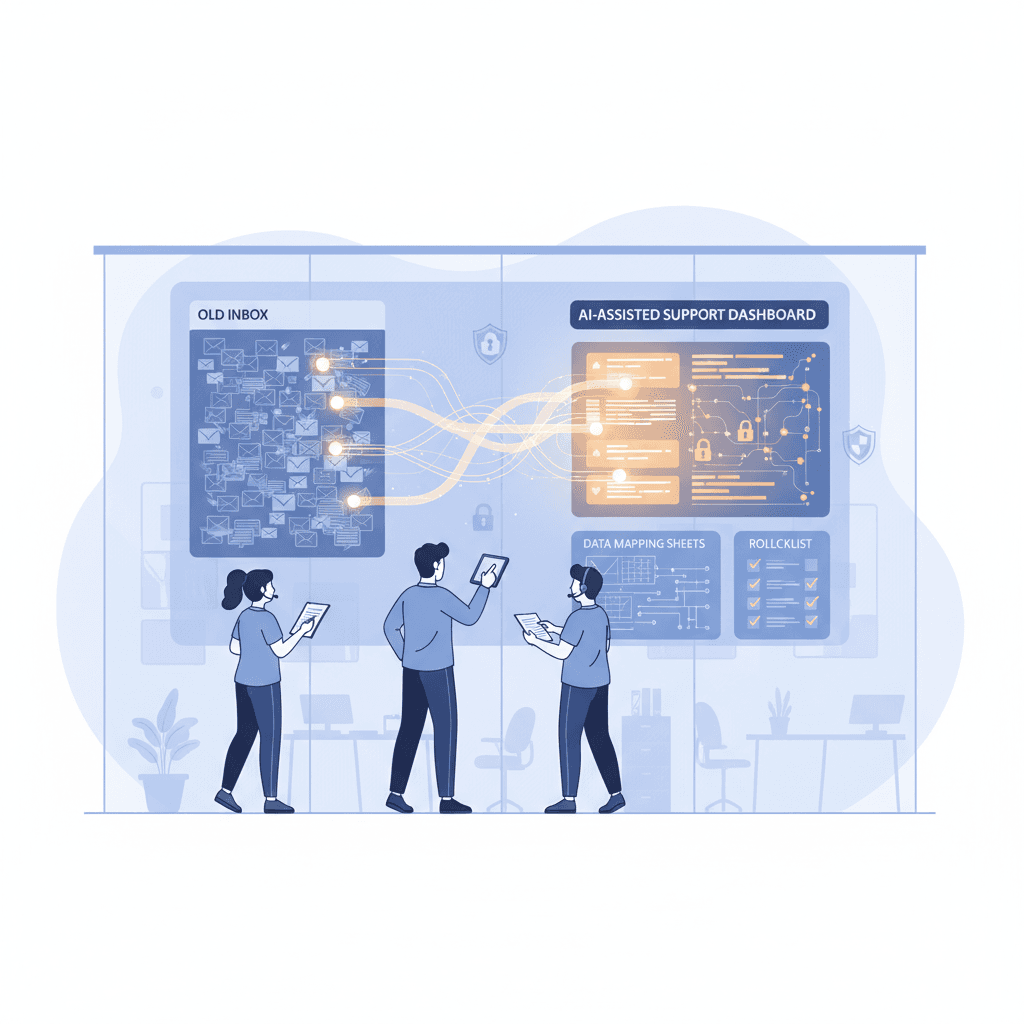
AI support agents can improve customer support when they handle repetitive, well-documented questions and escalate complex, sensitive, or uncertain conversations to a human teammate. The goal is not to automate every interaction. It is to give customers fast answers where automation is reliable while ensuring people retain control over decisions that require judgment, empathy, account access, or policy exceptions.
A practical human-in-the-loop support model starts small: automate a limited set of high-volume questions, define clear escalation rules, give agents the full conversation history, and review outcomes regularly. This approach helps teams improve response times without asking customers to repeat themselves or leaving important issues to an AI system alone.
What is a human-in-the-loop AI support workflow?
A human-in-the-loop workflow is a customer support process in which AI and human agents have distinct responsibilities. The AI support agent answers questions within an approved scope, gathers useful details, and identifies when a person should take over. Human agents handle exceptions, sensitive requests, ambiguous questions, and conversations that need discretion or deeper investigation.
The handoff should be more than a generic message telling a customer to wait. A useful escalation includes the conversation transcript, the customer’s stated problem, any relevant details collected, the knowledge sources or steps already used, and a clear reason for escalation. That context allows the human agent to continue the conversation rather than restart it.
Which customer questions should AI support agents handle first?
Begin with common, low-risk questions that have stable answers in approved documentation. Good early use cases often include:
- Business hours, contact details, and basic policy questions
- Product how-to questions covered by current help articles
- Password reset or account-access instructions
- Shipping, delivery, or order-status guidance when the required data is available
- Collecting information before creating or routing a support request
- Directing customers to relevant documentation or the right team
These requests tend to be repetitive and easier to evaluate. They also let a team test whether the AI is using its knowledge sources accurately before expanding automation.
Avoid beginning with cases that can materially affect a customer, such as refunds, cancellations, contract changes, legal concerns, security incidents, medical or financial guidance, and unusual billing disputes. These topics may need human approval even if the AI can help collect background information.
When should an AI support agent hand off to a human?
Set explicit rules for when an AI agent must escalate. A reliable system should not try to force an answer when the request is unclear or outside the information it has been approved to use.
Common handoff triggers include:
- The customer asks to speak with a person.
- The AI lacks sufficient confidence in the answer or cannot find an approved source.
- The question falls outside the AI agent’s permitted topic scope.
- The customer expresses frustration, dissatisfaction, or urgency.
- The conversation involves a refund, cancellation, exception, complaint, or account change.
- The issue involves privacy, security, compliance, legal, or safety concerns.
- Several attempts have not resolved the customer’s question.
Customers should be able to request a human at any time. Making that path clear protects trust and prevents automation from becoming a barrier to support.
How do you keep AI answers accurate?
Accuracy depends on the quality and governance of the information available to the AI. Ground responses in current, approved material such as help-center articles, product documentation, policies, and carefully selected internal resources. Remove outdated pages, resolve conflicting guidance, and assign ownership for keeping important content current.
Give the AI clear instructions about what it may answer, what it must not answer, and how it should behave when information is missing. In particular, it should be directed to say when it does not know rather than infer a policy, price, timeline, or account outcome.
Before a broad rollout, test the system with real examples from historical support conversations. Include straightforward questions as well as misspellings, incomplete requests, policy exceptions, frustrated customers, and requests designed to test whether the agent will invent an answer. Review not only whether the response sounds helpful, but whether it is correct, appropriately scoped, and escalated at the right time.
What should human agents receive during a handoff?
Human agents should receive enough context to solve the problem efficiently. At minimum, the handoff should preserve the conversation history, customer contact details available to the team, the issue summary, the AI’s attempted answer, and any information already collected.
For example, if an AI agent has asked for an order number, device type, error message, or account email, the human should not need to ask for the same information again. This creates a smoother customer experience and makes escalation a useful part of the workflow rather than a failure state.
AI can also support human agents after handoff by summarizing a long thread, surfacing relevant documentation, or drafting a reply for review. Human teammates should review and approve responses when judgment, customer impact, or sensitive information is involved.
How should teams measure AI customer support performance?
Measure both efficiency and quality. A high automation rate is not valuable if customers receive inaccurate answers or struggle to reach a person. Useful metrics include:
- Resolution rate for AI-handled conversations
- Escalation rate and the reasons for escalation
- Time to first response and time to resolution
- Customer satisfaction after AI-only and human-assisted conversations
- Repeat-contact rate for the same issue
- Unanswered questions and failed searches
- Quality-review findings, including incorrect or outdated answers
Review a sample of conversations regularly, including resolved chats, escalations, and negative feedback. Escalated conversations often reveal where documentation is incomplete, where the AI’s instructions need refinement, or where a workflow should remain human-led.
How can teams roll out AI support agents safely?
Use a phased rollout. First, choose one or two repetitive support categories with clear documentation. Next, define what success looks like, create handoff rules, and test the AI on real scenarios. Start with a limited audience or a narrow channel, then review outcomes before expanding the agent’s responsibilities.
Keep a clear owner for knowledge-base updates, AI instructions, and quality reviews. Support, product, operations, and security teams may all have input, but accountability should be defined. As the team gains evidence that the AI handles a category reliably, it can expand to adjacent, low-risk use cases.
What should you compare in AI helpdesk software?
When evaluating AI helpdesk software, compare products against the support situations your team actually handles. Whether assessing Chatspace, Chatwoot, Chatbase, Crisp, or another option, verify current capabilities directly with each provider rather than relying on feature lists that may change.
Key areas to evaluate include knowledge grounding, escalation controls, shared inbox and ticket workflows, customer channels, conversation history, team collaboration, analytics, integrations, permissions, privacy and security practices, setup effort, and pricing as support volume grows. A trial using representative customer questions is usually more revealing than a generic product demo.
FAQ
Will AI support agents replace human customer support teams?
Not in a well-designed human-in-the-loop model. AI can reduce repetitive work and speed up initial responses, while people remain essential for complex, sensitive, high-impact, and relationship-driven conversations.
How do customers know when they are talking to AI?
Be transparent. Clearly identify the assistant where appropriate and provide an easy way for customers to ask for a human agent.
What is the biggest risk of AI customer support?
A major risk is providing a confident but incorrect answer. Reduce this risk with approved knowledge sources, limited initial scope, clear escalation rules, regular conversation reviews, and human approval for sensitive actions.
What is the best first AI support use case?
Choose a high-volume, low-risk question type with clear, current documentation, such as basic product guidance or policy questions. Expand only after reviewing accuracy and customer outcomes.